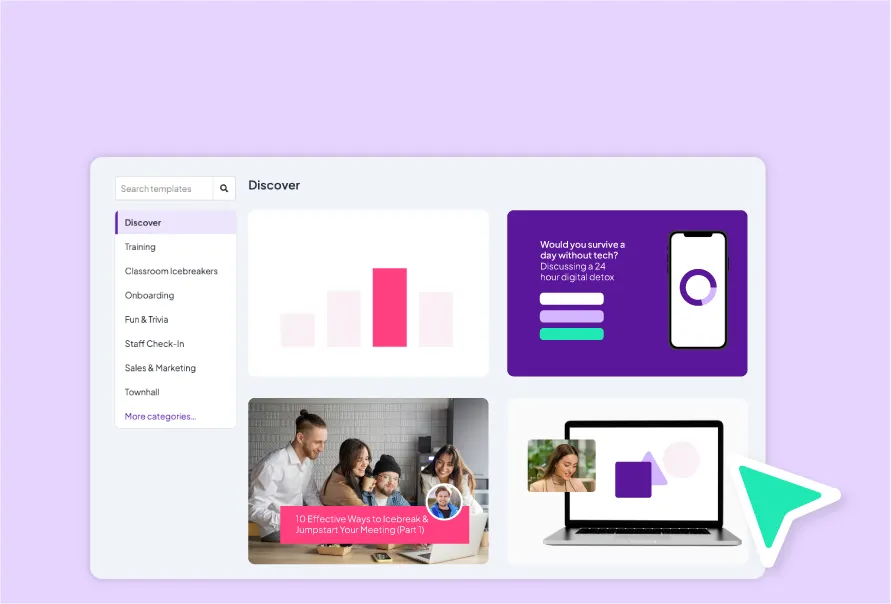
Course outlines that teach
Turn a topic into a clear course outline with lessons, objectives, and checkpoints, without starting from a blank page.

Present it, assign it, and pick up exactly where the room left off. One set of content that works as a live session, a self-paced course, and a survey, with the answers carrying across all three.
 PowerPoint
 MS Teams
 Google Slides
 Zoom
Zoom
 ChatGPT
A live session and a self-paced course are the same content in two places. Keeping them in step is work nobody has time for. AhaSlides keeps them as one thing.
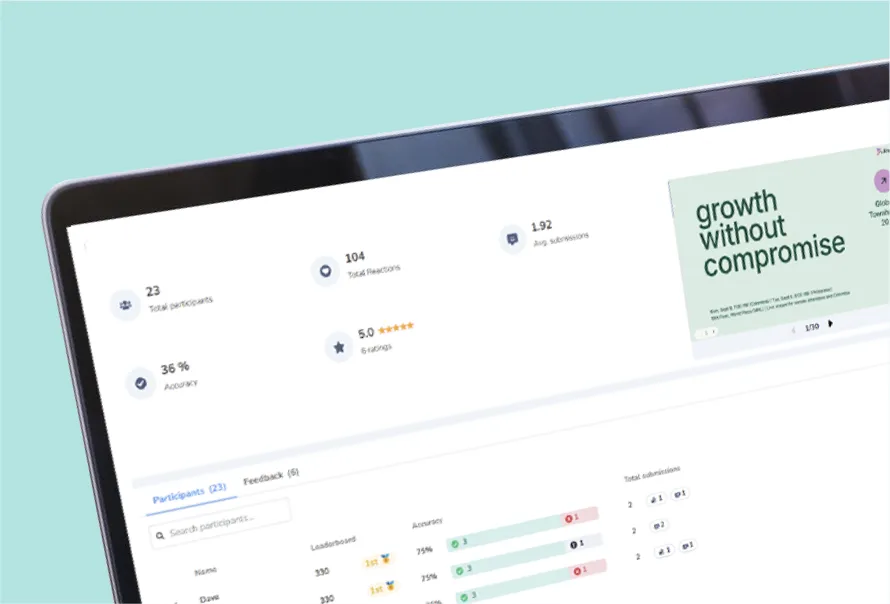
Run it in the room or on the call. Polls, quizzes and word clouds, with everyone answering from their own phone and the results on screen as they come in.
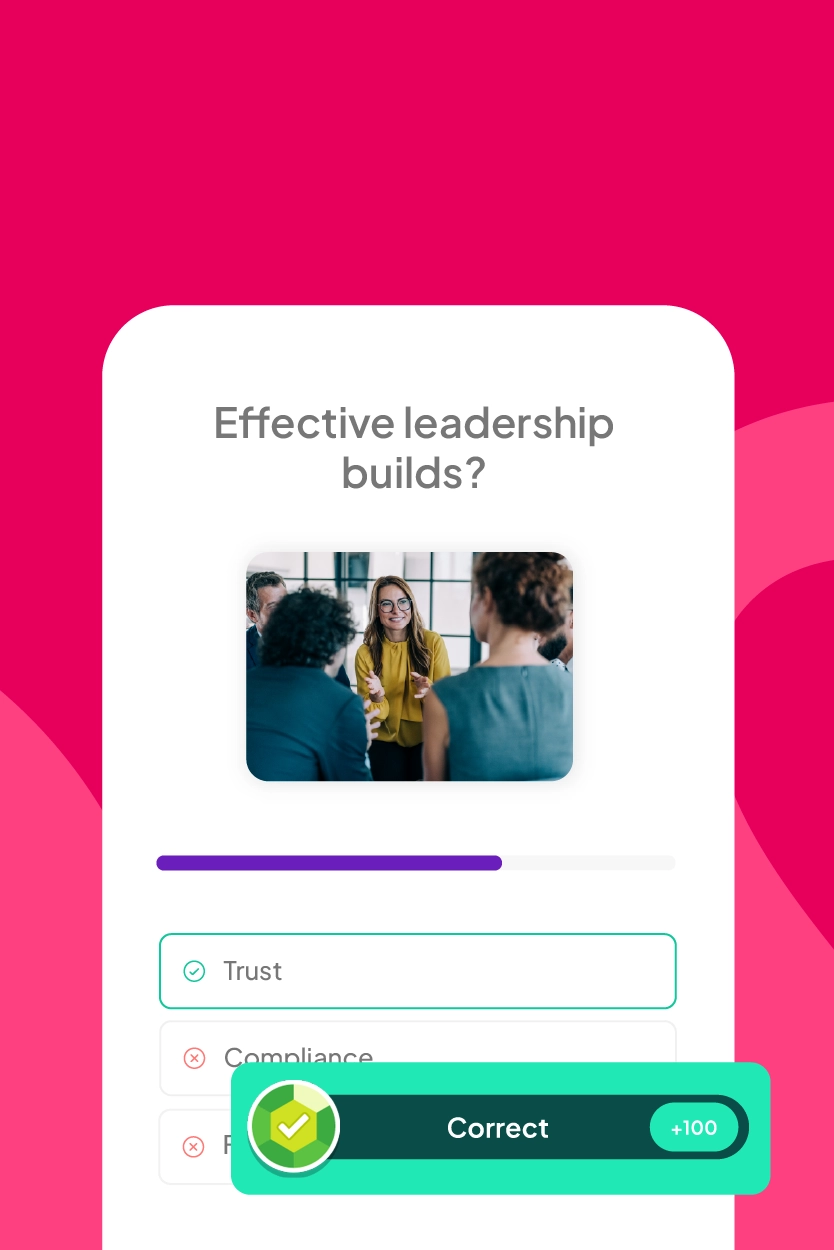
How live sessions runThe same material, published as a course people take on their own time. Nothing rebuilt: the questions you asked live become the checks they answer alone.
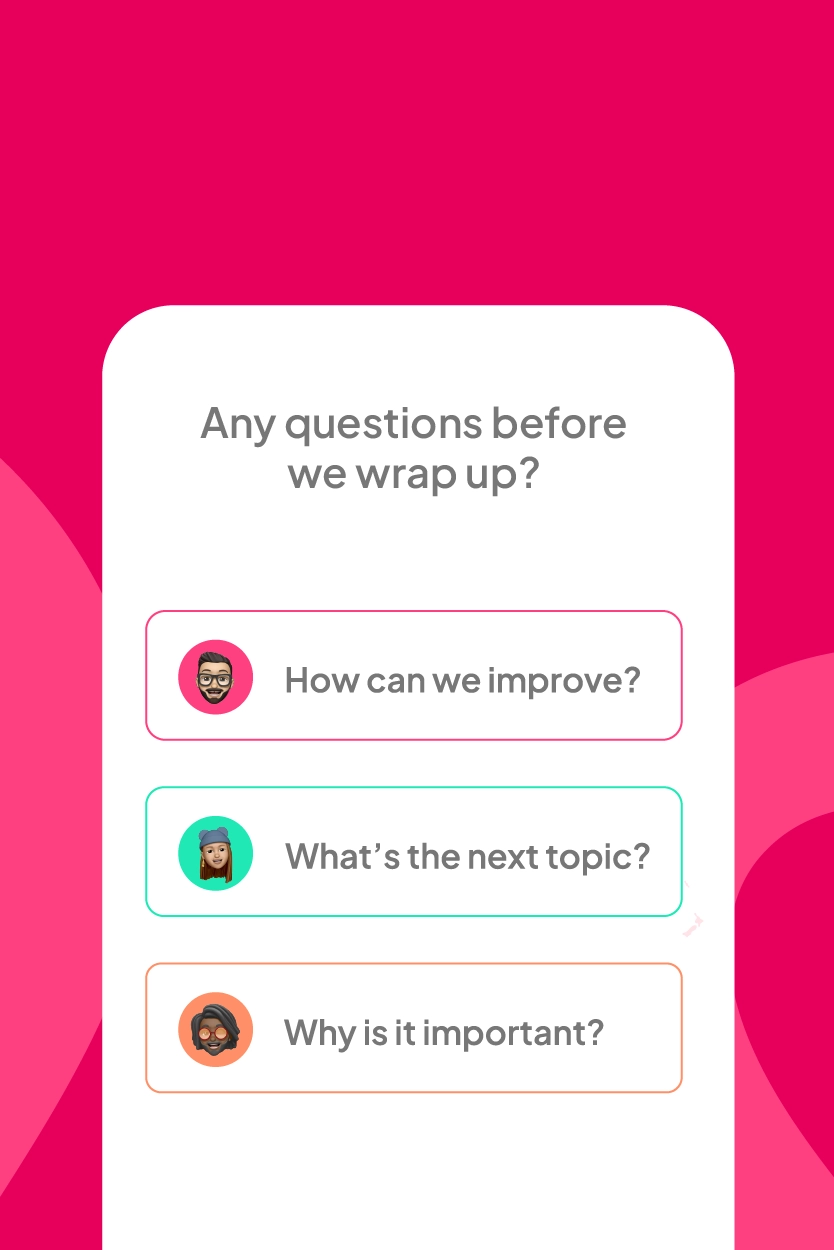
How self-paced worksAsk before, ask after, or ask instead. The same question set works as a standalone survey, and the answers land in the same place as everything else.
How surveys workYou do not choose a mode when you start. You build the content once and switch on whichever modes you need, this week or next quarter.
See it on a demo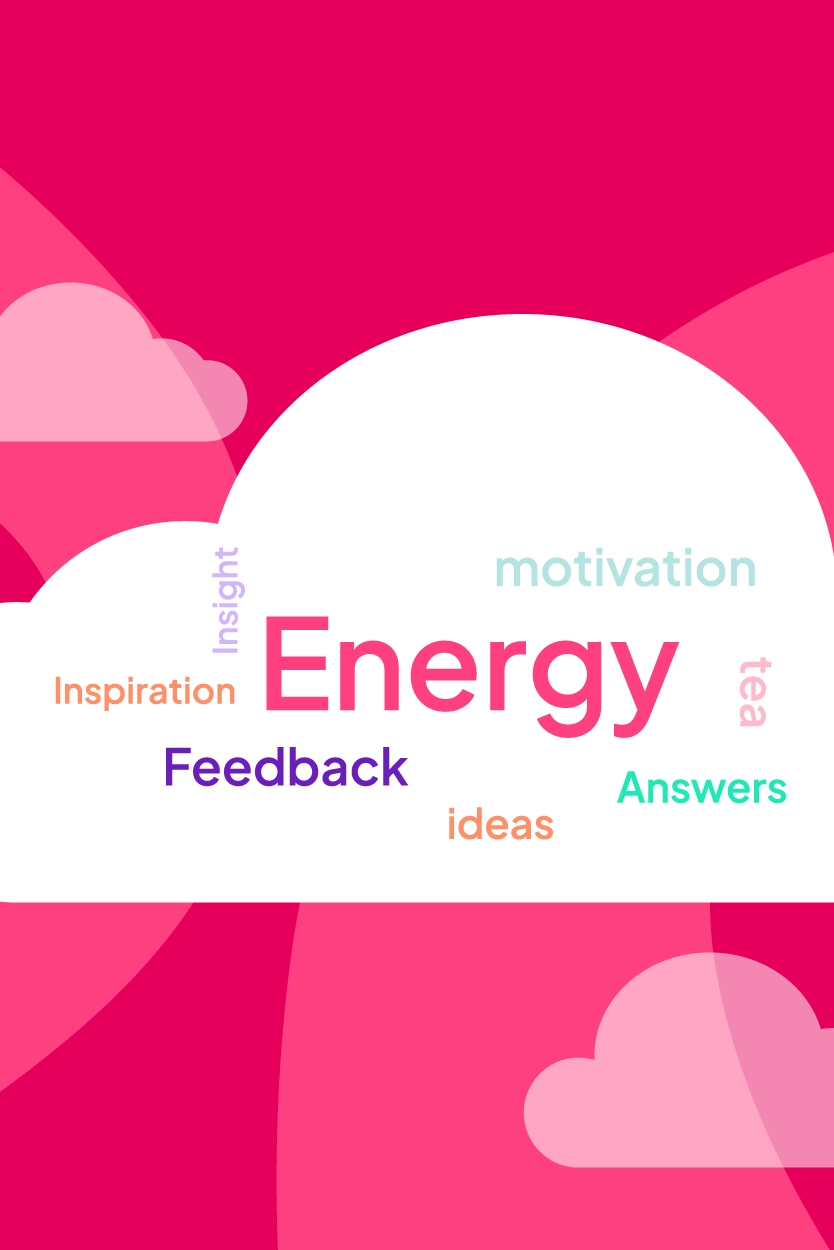
Edit a question and it changes in the live deck, the course and the survey at the same time. There is no second copy to remember, because there is no second copy.
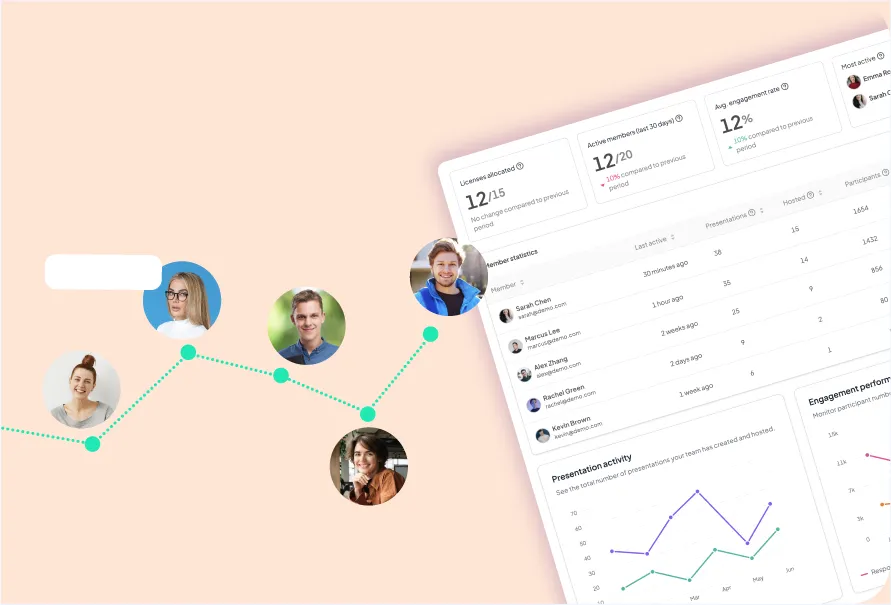
How editing worksA response from the room and a response from someone taking it alone are the same kind of data. You see them together instead of exporting two reports and joining them by hand.
How reporting worksSomeone who attended live does not start the course from zero. What they already answered counts, so the self-paced part picks up rather than repeats.
How progress carriesComprehension by topic across every mode, in a single view. Which lesson failed, where people stopped, what the room already knew.
See the reportingMost tools lose everything between the live session and whatever comes after it. These are the three handovers, and what carries across each one.
The room answers on their phones. You see who is following and who is lost, while there is still time to change course.
The same content becomes a self-paced course. People who were in the room skip what they already answered. People who missed it get the whole thing.
You already know which lesson the group failed and which question nobody answered. The next session starts from that instead of starting again.
Turn a topic into a clear course outline with lessons, objectives, and checkpoints, without starting from a blank page.
Run the workshop live, then publish the same content as a course for whoever could not make it.
Run workshops where everyone answers on their own phone, so you see who is following and who is lost in real time.
Add quizzes and checkpoints that help learners remember, and show you exactly what landed.
Hand over the reading and your own notes, and get a lesson plan with objectives and discussion prompts you can edit.
Polls and word clouds pull answers from the quiet half of the class, not just the three students who always speak.
Short quizzes between topics tell you who needs another pass before the exam, while there is still time to help.
Keep one course and update it each term. Last year's version stays intact if you want to go back to it.
Give new hires a path with a visible finish line, so week one is not forty tabs and a hopeful welcome email.
Turn the handbook into short lessons with scenarios, so compliance training is understood rather than clicked through.
Route the right courses by team, region, or start date, with reminders that go out without you chasing anyone.
Completion and comprehension in one report, so you can answer what training changed with something other than a feeling.
Ask the room live instead of talking at it, and leave with a record of what people actually think.
Every team reads the same source, so the story does not drift as it travels down the org chart.
Build a short course for a reorg or a new tool, and stop answering the same question in six channels.
Quick anonymous surveys after each announcement show whether the message got through or bounced off.
One course teaches the first-run setup to every new account, instead of one call per customer.
Your help centre already has the content. Turn it into lessons customers finish rather than pages they skim.

Assess and certify power users, and give them something worth putting on a profile.
See which lessons people fail, and fix the product or the doc that caused the confusion.
A structured path from product basics to objection handling, so a new rep is useful in weeks rather than quarters.
Every release becomes a short lesson, so the field is not selling last quarter's product.
Scenario checkpoints let reps get the pitch wrong in training instead of in front of a buyer.
Comprehension scores by rep and by topic show who needs coaching, and on exactly what.
“Add a real customer quote here.”
“Add a real customer quote here.”
“Add a real customer quote here.”